
Features
Plug and Play
Boot a complete system from the USB drive on any x86 PC — no installation.
System Rescue
Turns into a rescue toolkit when your main PC crashes — repair the system, recover your data.
Privacy Without a Trace
Browsing traces and inputs vanish after shutdown — safe even on public Wi-Fi.
Optional Persistence
The Advanced edition keeps your changes, so it feels like your own PC anywhere.
Chinese, Ready to Go
Chinese desktop environment and input method built in, ready out of the box.
Full Drivers & Apps
Latest Linux drivers plus Firefox, Git, Tmux and other everyday tools preinstalled.
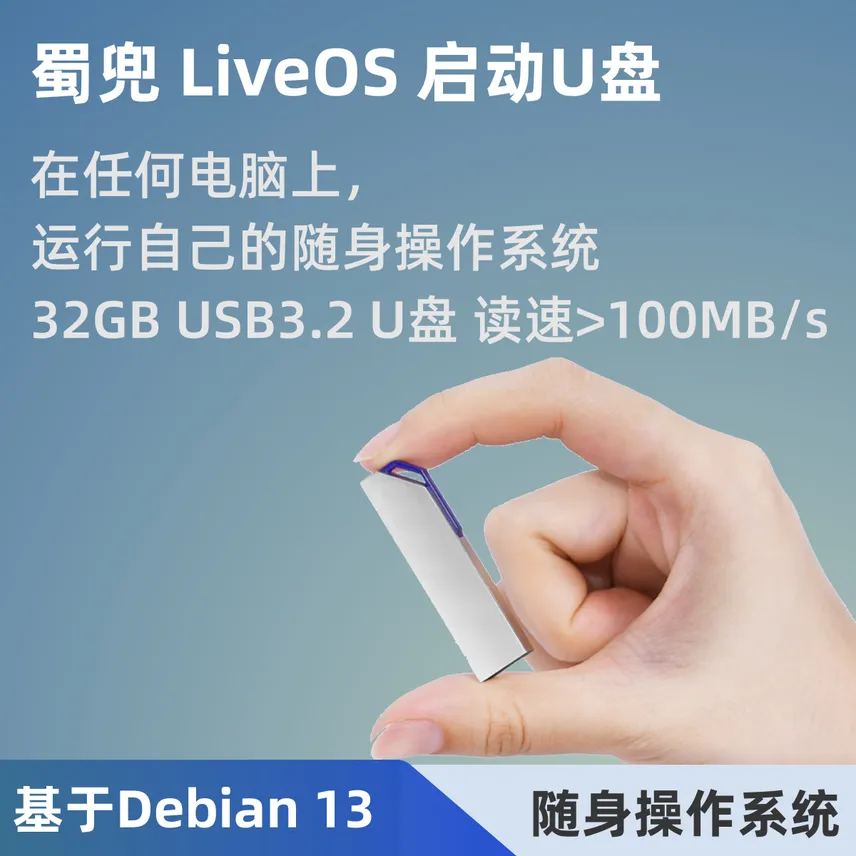
Built on Debian 13, Shudou LiveOS is a lean yet complete operating system that takes up just 1.8 GB. No installation is needed — with a single USB drive, it plugs into any x86 PC and boots into the system in seconds.
Whether you need to repair a crashed computer, browse safely on an unfamiliar device, or carry a personal workspace in your pocket, the Live OS Boot USB is up to the task.
Highlights & Editions
Two editions are available to suit different needs:
Advanced Edition (Recommended) — with Persistence
- Your data stays: Local file operations survive reboots — every change is persisted on the USB drive.
- Independent and portable: Completely independent of the host PC; plug it into any computer and it is your familiar personal system.
- “Two-in-one design”: It also works as an ordinary USB drive on Windows PCs (e.g. an exFAT data partition), combining storage and boot.
- Large capacity storage: Includes a dedicated ISO boot partition, a FAT partition, an Ext4 persistence partition, and a large exFAT data partition.
Basic Edition — Lightweight & Traceless
- Plug and play: Boots into the system quickly — ideal for emergencies or a quick try-out.
- Traceless mode: No persistence; local file operations are valid for the current session only, and the system resets to its initial state after reboot.
- Everyday compatible: Also usable as an ordinary USB drive on Windows PCs (shown as a LiveCD volume).
How to Use
- Plug the Live OS Boot USB into a USB port on any x86 PC.
- Press the power button, then press the function key (such as F12 or F2) to enter the BIOS.
- Select the USB drive in the boot menu and boot into the system in seconds.
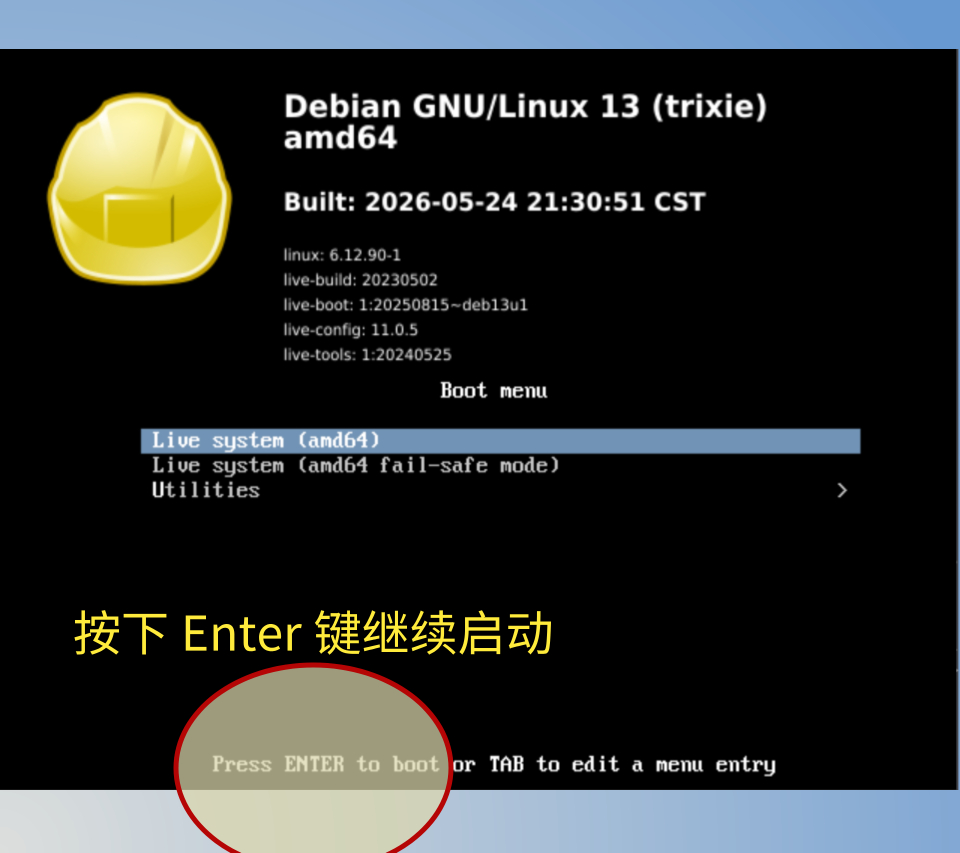
- When the init screen appears, press Enter to continue booting, and the system will start shortly.
Default account
The default username and password are both sudo8. On the Advanced edition, you can change them as you like.
Put a whole OS in your pocket — boot it anywhere, anytime! For IT ops, privacy protection, or everyday emergencies, the Live OS Boot USB is your most reliable digital companion.