Android, HarmonyOS

* HarmonyOS 4.0.0.126 and above
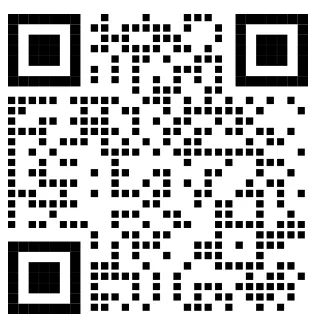
Scan the QR code with your Android or HarmonyOS phone to install

iPhone, iPad
Scan the QR code with your iPhone to install
Search 「Shudou」 on the App Store
Desktop client
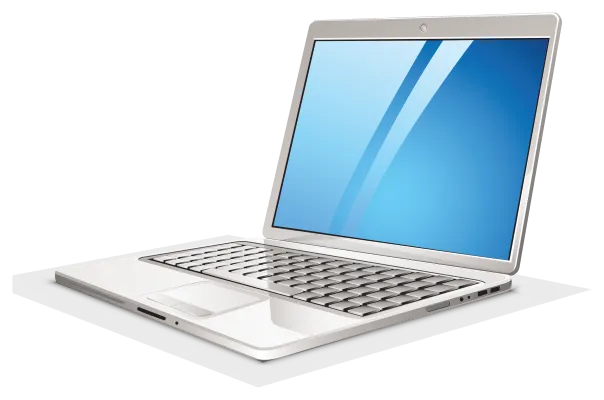
Shudou Desk
Supports Windows 10 & 11, macOS
File management, offline downloads, host management…
⚠️ Important: Windows users should install the dependency first!
Run in PowerShell:
winget install SSHFS-Win.SSHFS-WinOr download the installer packages directly:

Media TV App
Share movies, music, and photos across phones, tablets, and TVs in your home network
Supports Android phones, tablets, and TVs; iPhone and iPad
iOS users, search [Shudou TV] on the App Store
- Download the app to a USB drive, plug it into the TV’s USB port, and install.
- The host running the app must be on the same home network as the Shudou host (or the Shudou VM).
- The first launch takes a bit longer while the app searches for the host. Please be patient.
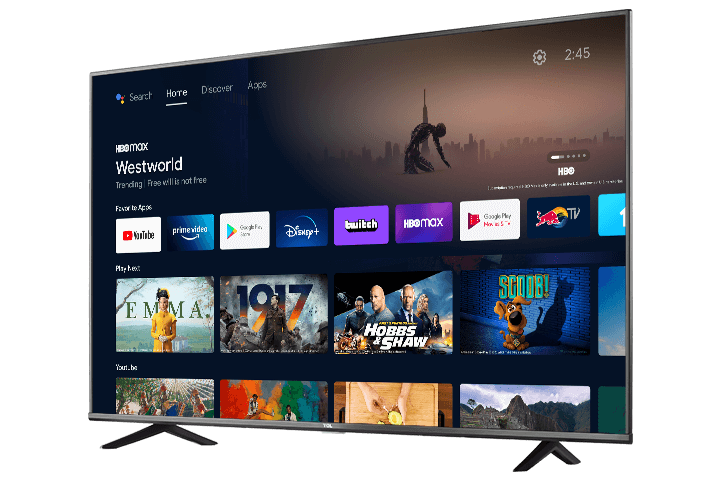
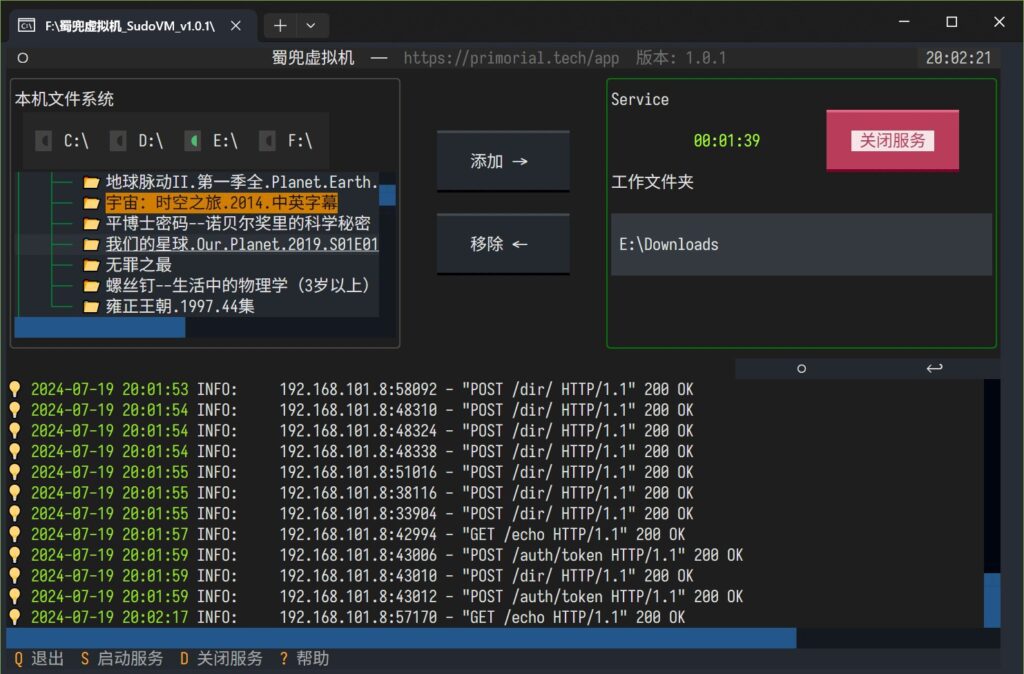
Shudou Virtual Machine

Stream your PC's media files
to phones, tablets, and TVs with one tap
Free, no registration required
WebDAV server built in
LAN-only
-
Compatible client apps:
- Shudou media client, no setup required, ready to use.
- Other clients that support the WebDAV protocol, such as NetEase Popcorn.